Expo / Roadshow
A trade show trip report with a next step
The business card gives you a name. Your notes explain why the conversation mattered. TripDeck brings those details into a contact briefing and follow-up plan for the whole trip, not just a list of people you met.
14-day trial, no card needed at signup. Subscription checkout through Stripe requires a card.
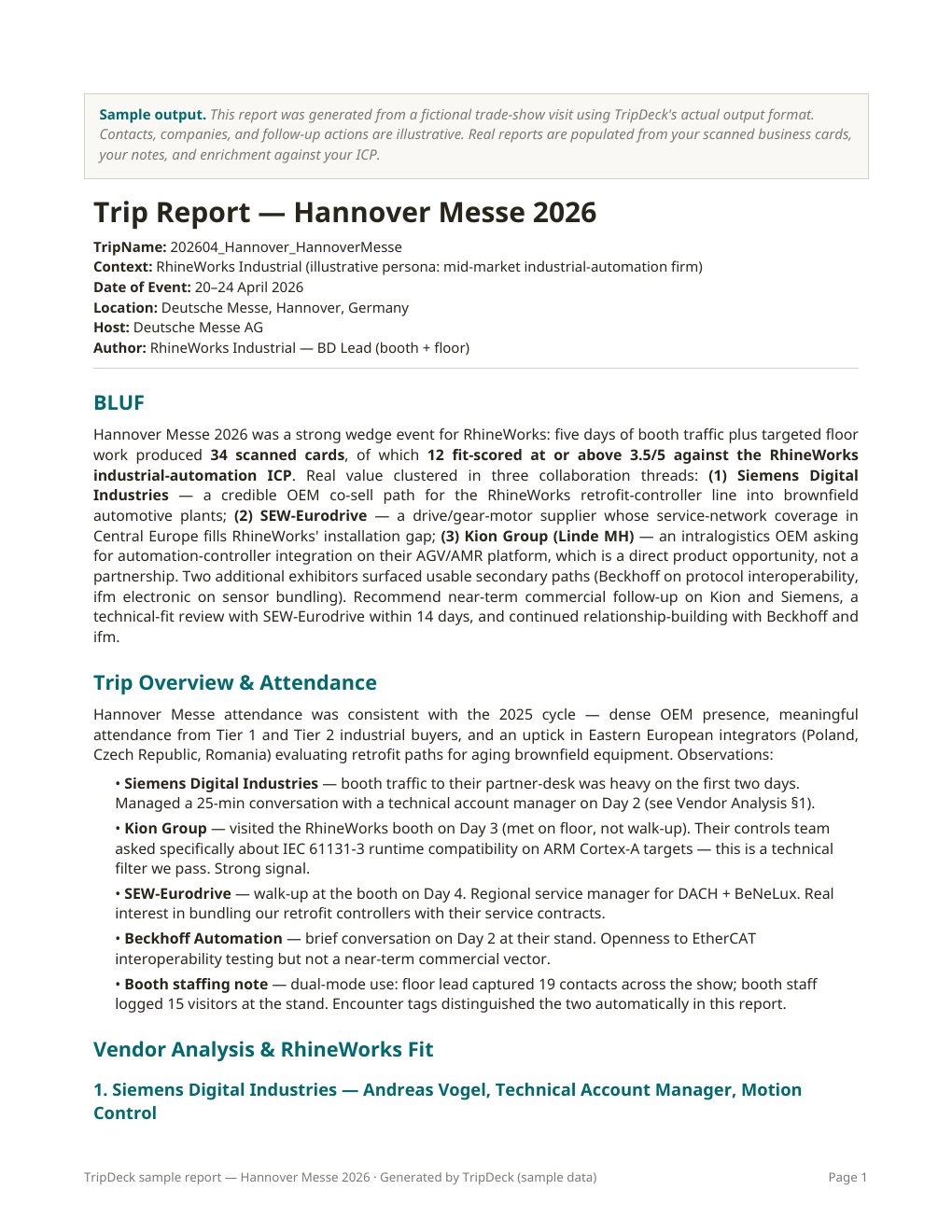
From the floor to the debrief
Make the conversations usable
- Keep contacts with their context
- Add contact details, the company, conversation notes, and relevant photos to the trip. Record the need discussed and anything you agreed to send while you still remember it.
- Assess fit for your business
- Use your company profile, products, territory, and target-customer criteria to inform contact assessments. A familiar company name alone is not evidence of a qualified opportunity.
- Review a practical follow-up plan
- Bring suggested follow-ups into the same report as the contact briefing. Check the wording and priorities before contacting prospects; generating a report does not send an email.
Useful input beats long input
Capture what a card cannot tell you
For each conversation, capture the customer's application, a specific question or constraint, the person's role, and any agreed next step. A few concrete sentences are more useful than “great meeting” or “follow up.”
Use the Expo / Roadshow workflow for conferences, trade missions, exhibitions, or several customer stops where the report needs to compare multiple contacts.
Analysis at the right depth
Debrief the event. Research the fit.
Use Lite for a concise report based on the contact information and notes you entered. Choose Deep when you want public-source company research and more detailed analysis alongside that meeting context.
Research can help explain an organization, but it cannot confirm what someone said at the booth. Review sourced background separately from your conversation notes, especially when documenting an older event.
Generate a Word report and review it before sharing with a manager or colleague. Delivery is through connected Google Drive or direct download, depending on your setup.
Trade show reporting questions
Before the next event
Is this only for teams running a booth?
No. The workflow also fits independent BD professionals, outside sales representatives, consultants, and people walking the exhibition floor or attending scheduled meetings.
Does TripDeck automatically scan business cards?
Plan to enter and review contact details yourself. Automatic business-card scanning is not an advertised capability of this workflow; the value is preserving meeting context and turning it into a useful report.
Are follow-up emails sent automatically?
No. TripDeck provides suggested follow-up content and actions for your review. You decide what to send, to whom, and when.
Can I use it for a single customer visit?
Yes. Choose the separate Engagement workflow when observations and findings matter more than a ranked contact list. See the site visit report workflow.
Start with your next conversation.
Bring your business context and notes. Review a report you can act on.
Use only information permitted by the Terms of Service. Do not upload CUI, classified information, ITAR-controlled technical data, or third-party proprietary information.